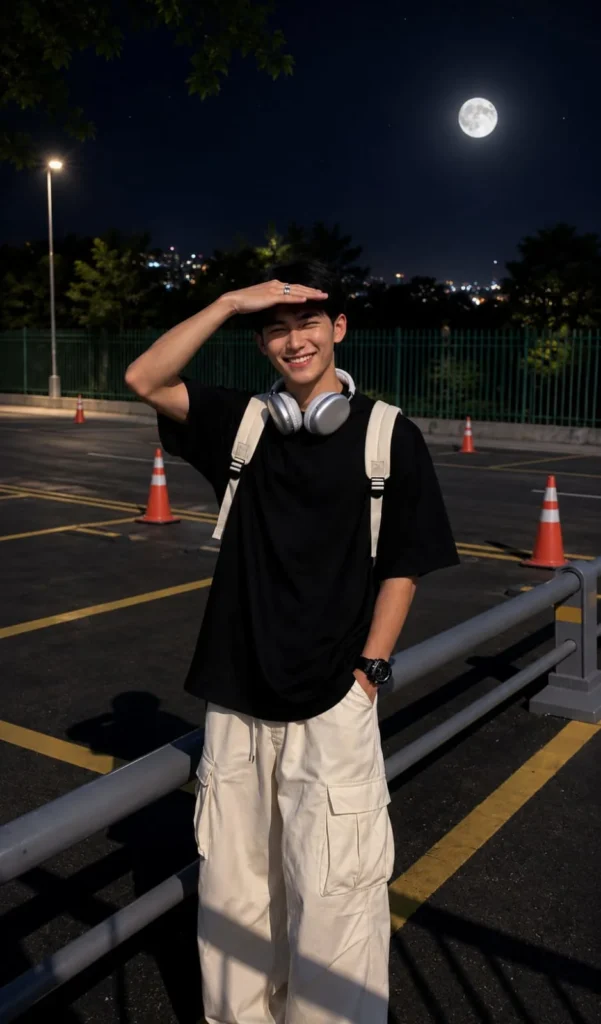
Turn Day Photos into Realistic Moonlight Night Photos with AI
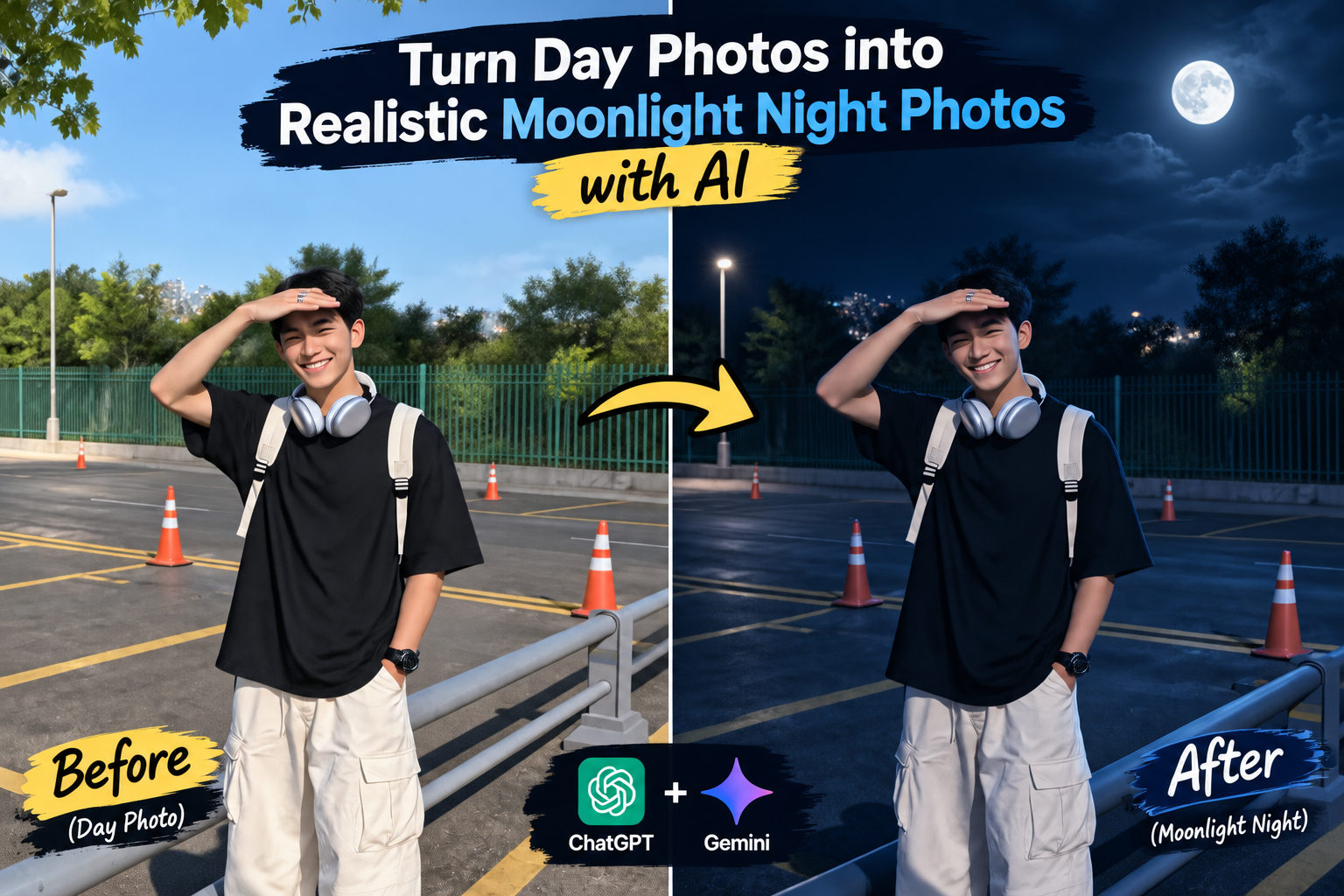
Have you ever taken a great photo during the day but wished it had a calm, cinematic night vibe? You can now transform an ordinary daytime picture into a realistic moonlit night scene using AI. Also try the trending photo prompts Boat AI Portrait Prompt for Stunning Instagram Photos
With tools like ChatGPT and Google Gemini, you can change the lighting, sky, shadows, and overall atmosphere while keeping the main subject looking natural. The right prompt can make the result feel like the photo was actually captured under moonlight.
What Is the Day-to-Night AI Photo Editing Trend?
The day-to-night AI editing trend turns a bright daytime photograph into a darker nighttime scene. Instead of simply adding a dark filter, AI can recreate the lighting to make the image look more realistic.
A good edit can include:
Best Moonlight Night AI Photo Editing Prompts
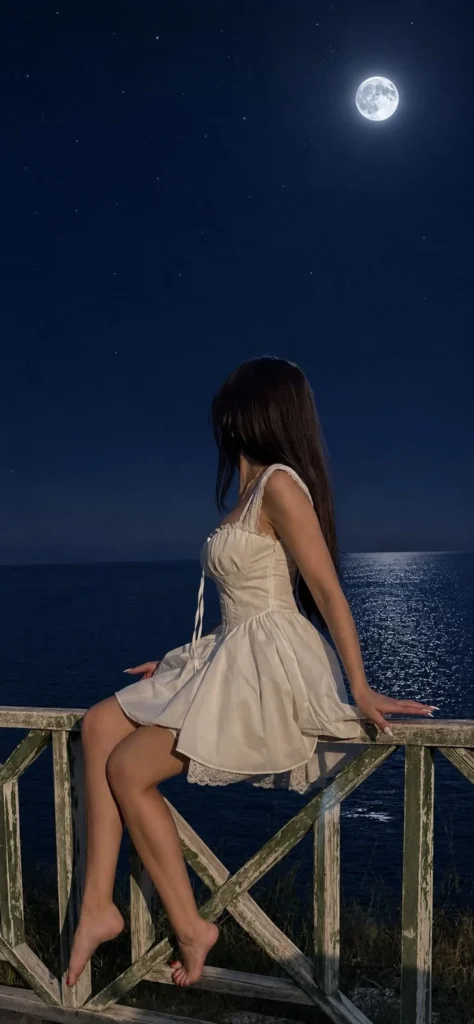
How to Create the Photos
Start With the Right Photo
Your original image has a big impact on the final result. Choose a clear photograph where the main subject and background are easy to see.
Portraits, outdoor pictures, street shots, travel photos, and landscape images are all suitable for this type of transformation.
For better results, use an image that isn’t heavily blurred or compressed.
Create the Moonlit Effect With ChatGPT or Gemini
Once you have your photo, upload it to ChatGPT or Google Gemini and describe exactly how you want the scene changed.
Instead of saying only “make this photo nighttime,” provide details about the lighting, sky, shadows, and subject preservation. You can also try the Trending Hidden Portrait Tattoo AI Photo
Tips & Tricks
A few simple changes can make a big difference in the final image.
Common issues while creating images
Final Thoughts
Turning a daytime photograph into a realistic moonlit night image is now much easier with AI. ChatGPT and Google Gemini can help recreate nighttime lighting while preserving the important details of your original photo.
For the most realistic result, focus on natural moonlight, believable shadows, balanced exposure, and preserved facial details. A detailed prompt combined with a good-quality image can create a convincing day-to-night transformation in just a few steps.
Hi, I’m Kiara Sharma, a technology writer who writes about useful apps, digital tools, photo editing, and new tech trends. I share simple tips and clear information to help readers understand technology without complicated language.