
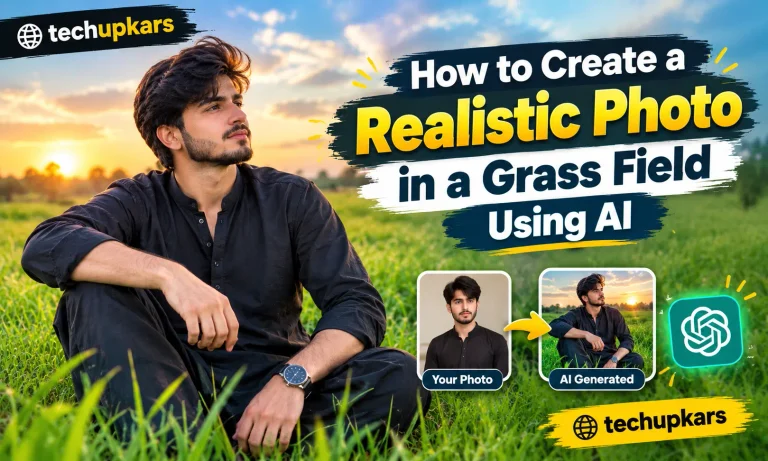
How to Create a Realistic Photo in a Grass Field Using AI
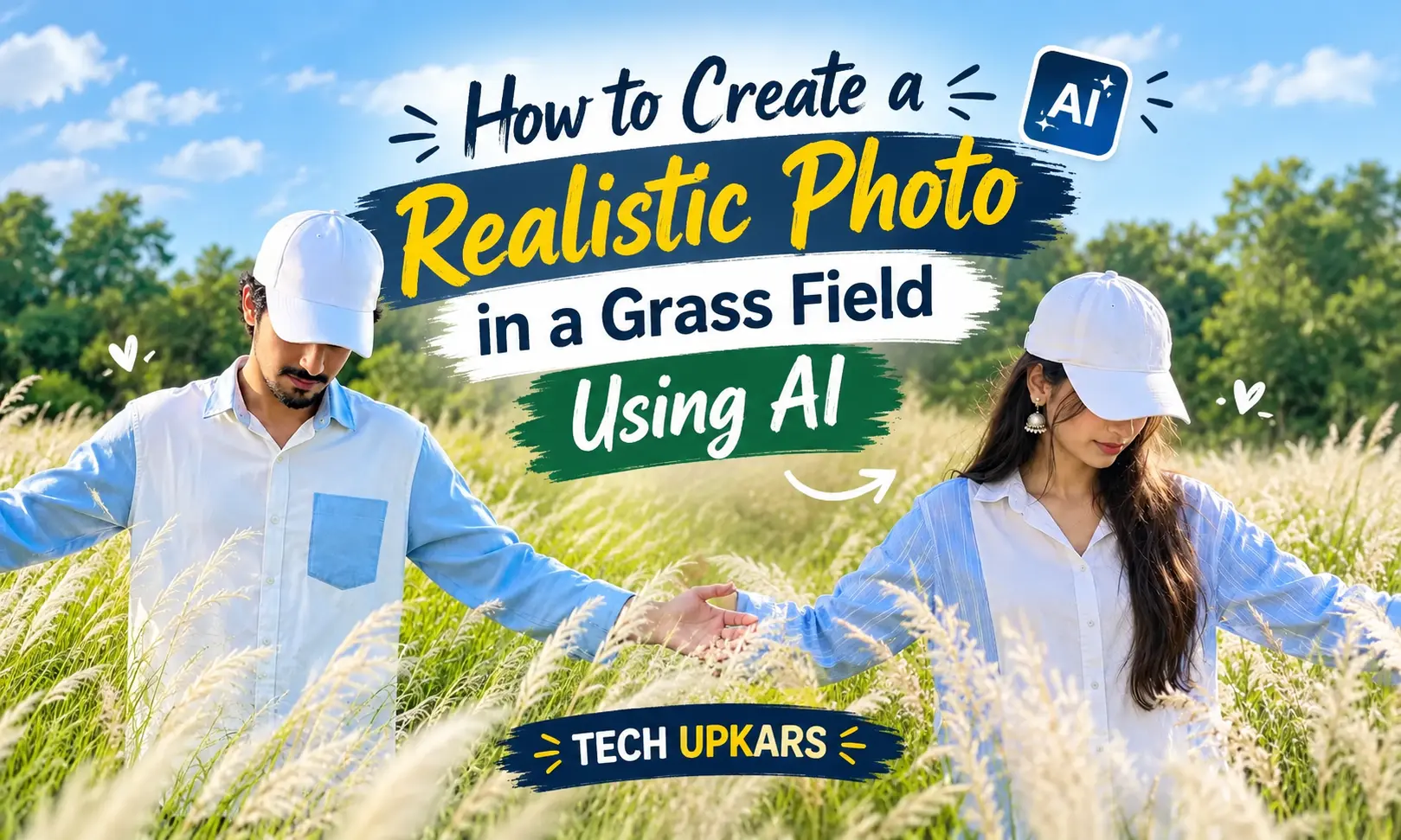
We create a realistic grass field photo with AI is easier than it sounds. You only need a clear photo and a good AI photo prompt. The AI can place you in a fresh green field while adding natural sunlight, realistic, and a soft outdoor background. Also see: Kiwi Browser APK Download Latest
Latest Ai Photo Editing Prompts
Viral AI photo editing prompts help you create trendy photos without spending hours editing. In tech upkar You can make cinematic portraits, aesthetic photos festival photos, and realistic social media images.
Just choose a prompt, copy it, upload your photo, and paste the prompt into your AI image generator.
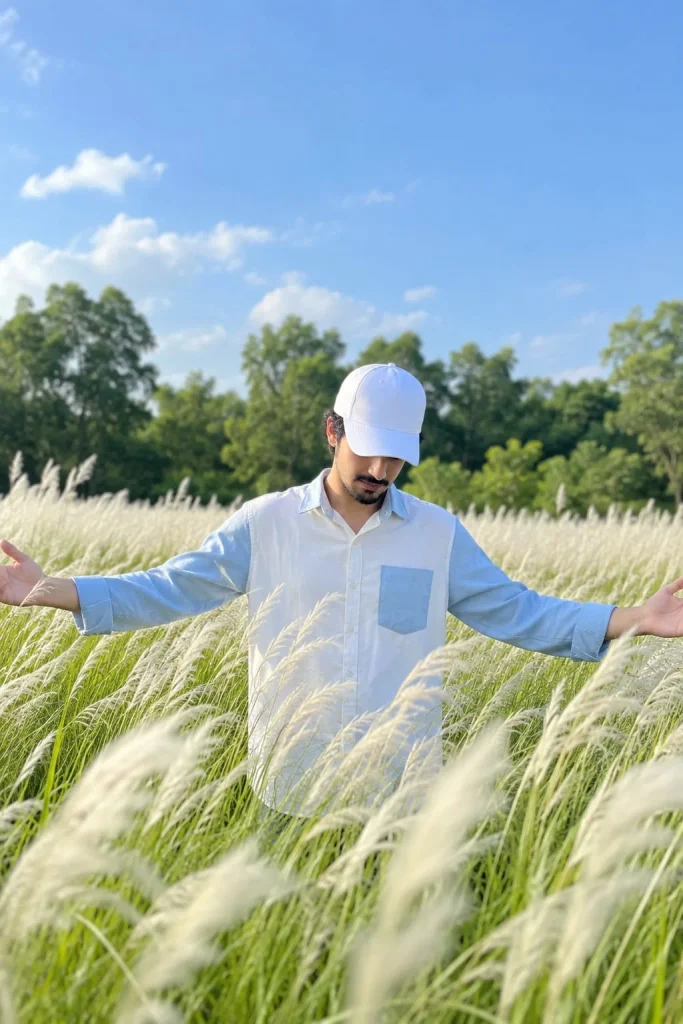
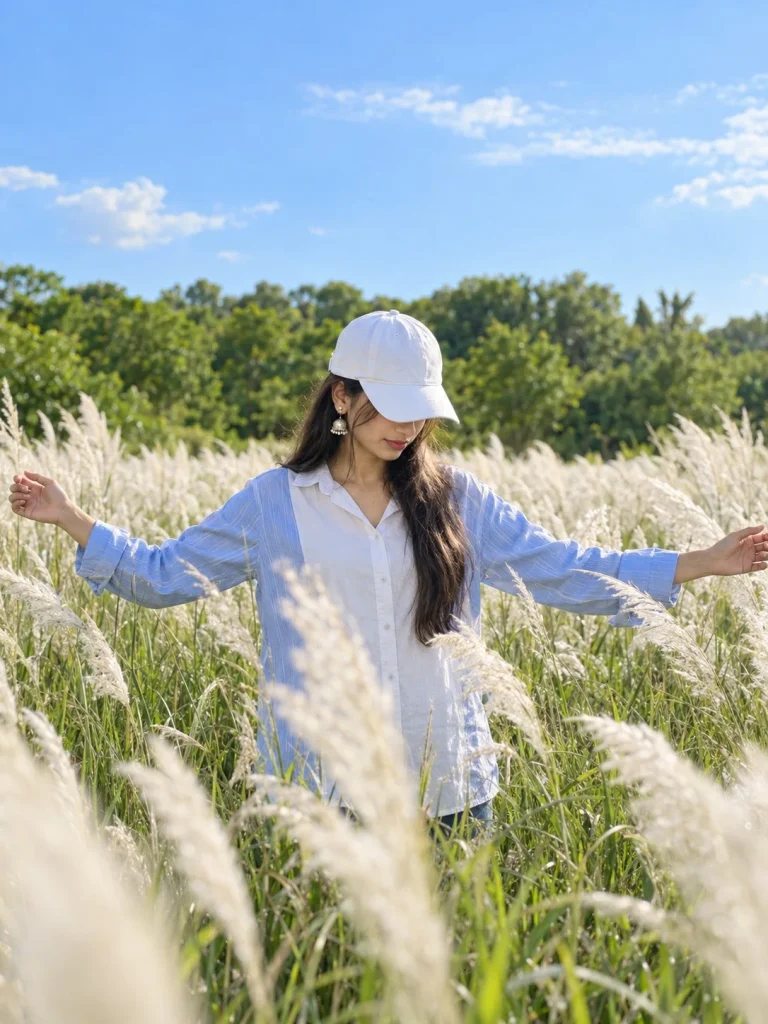
Copy-Paste Viral Prompts in One Clicks
These prompts make AI photo editing quick and easy. Click Copy Prompt, upload your photo to an AI tool, paste the prompt, and generate your new image.
You can also change the outfit, background, pose, or lighting to create your own viral AI photo trend.
Step 1: Choose a Clear Photo
Start with a high-quality photo where your face is easy to see. Avoid very dark, blurry, or heavily filtered pictures.
Step 2: Add Your Photo to an AI Tool
Open your preferred AI image generator and upload your reference photo. Tools that support image-to-image editing can use your photo to create a new outdoor scene.
Step 3: Use a Detailed Grass Field Prompt
Tell the AI exactly what you want. Mention the location, outfit, pose, lighting, camera style, and background.
Step 4: Improve the Lighting
Lighting can make a big difference. Try warm morning or evening sunlight for a softer and more cinematic look. Avoid making the light too strong because it can make the image look artificial.
Step 5: Try Different Poses
You can create several versions by changing the pose. Try standing, walking through the grass, looking toward the camera, or looking into the distance.
Step 6: Add Natural Camera Effects
For a more realistic result, use details such as shallow depth of field, natural lens blur, soft shadows, and realistic camera texture. Keep these effects subtle so the photo still looks natural.
Mix Different Locations With Different Moods
You can also combine a location with a specific mood to create more creative results. For example, try a sunset wheat field for a warm cinematic look, a forest path for a peaceful mood, a mountain location for a travel-style portrait, or a flower field for a bright and dreamy photo.
Green Farms
A green farm can give your photo a fresh and peaceful countryside look. Add natural sunlight, plants, and a soft background for a realistic result.
Colorful Flower Fields
Flower fields are perfect when you want a bright and dreamy photo. You can choose roses, sunflowers, lavender, or any other flowers you like.
Mountain Areas
Try a mountain background for a more adventurous look. Add distant hills, natural clouds, and soft daylight to make the scene feel real.
Open Parks
A simple city park can create a clean and casual photo. Add trees, walking paths, green grass, and natural shadows for an everyday outdoor feel.
Rural Roads
A quiet rural road can give your image a cinematic travel vibe. You can add trees, fields, small houses, or distant mountains around the road.
Wheat Fields
Wheat fields work especially well for warm and natural portraits. Try golden-hour sunlight for a soft, glowing look.
Forest Surroundings
For a deeper and more dramatic style, place your subject near a forest. Use soft sunlight passing through the trees and a slightly blurred background.
Sunset Locations
Sunset is a great choice for romantic and cinematic AI photos. Warm orange light, long shadows, and a soft sky can create a beautiful final image.
Change the Outfit and Style
You can also change the clothes to match the location. Try casual outfits, traditional clothes, formal looks, or trendy streetwear.
Experiment With Weather
Don’t always use a sunny background. You can create photos with cloudy skies, light fog, soft rain, or a cool winter atmosphere.
Try Different Times of Day
Morning, afternoon, golden hour, and evening can all create different moods. Changing the time of day is an easy way to make each AI photo look unique.
Conclusion
Use a clear reference image and keep your prompt specific. Small details like grass texture, sunlight, clothing folds, and natural shadows can make the final image feel much more realistic.
You can also change the season, outfit, weather, and background to create different AI grass field photo edits for Instagram, Facebook, or other social media platforms.

Hi, I’m Kiara Sharma, a technology writer who writes about useful apps, digital tools, photo editing, and new tech trends. I share simple tips and clear information to help readers understand technology without complicated language.


One Comment